 Tip Toe AI
Template guide
Tip Toeing in My Jordans Template: Choose Your Edit
Choose a Tip Toeing in My Jordans template for your idea. Add a caption to the familiar clip, or use photos to put yourself in the dance. Pick what you want to change first.
By Tip Toe AI · Updated
Keep the characters. Change the caption.
Have a line that fits the dance? Keep the familiar characters and make the joke yours with a new caption.
Open the Kapwing templateMake yourself the dancer
Use your photo for the dancer and add an optional photo for the person watching. Make a version to send to friends.
$9.90 per video · Payment before generation
Make a video with my photosFrom two input photos to one real result
See what photo generation looks like in this Tip Toe AI example. The two photos show fictional adults, one for the dancer and one for the observer.
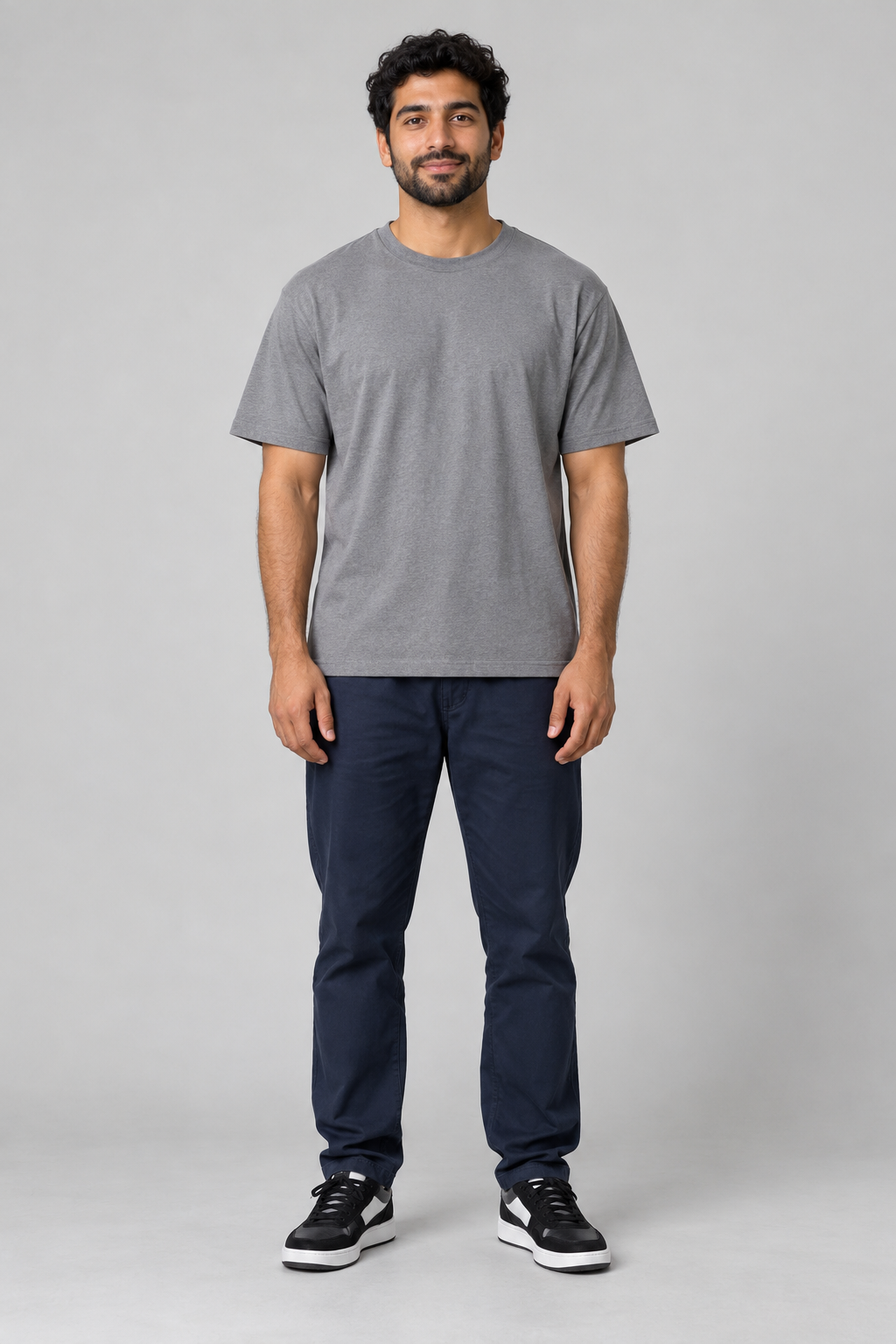
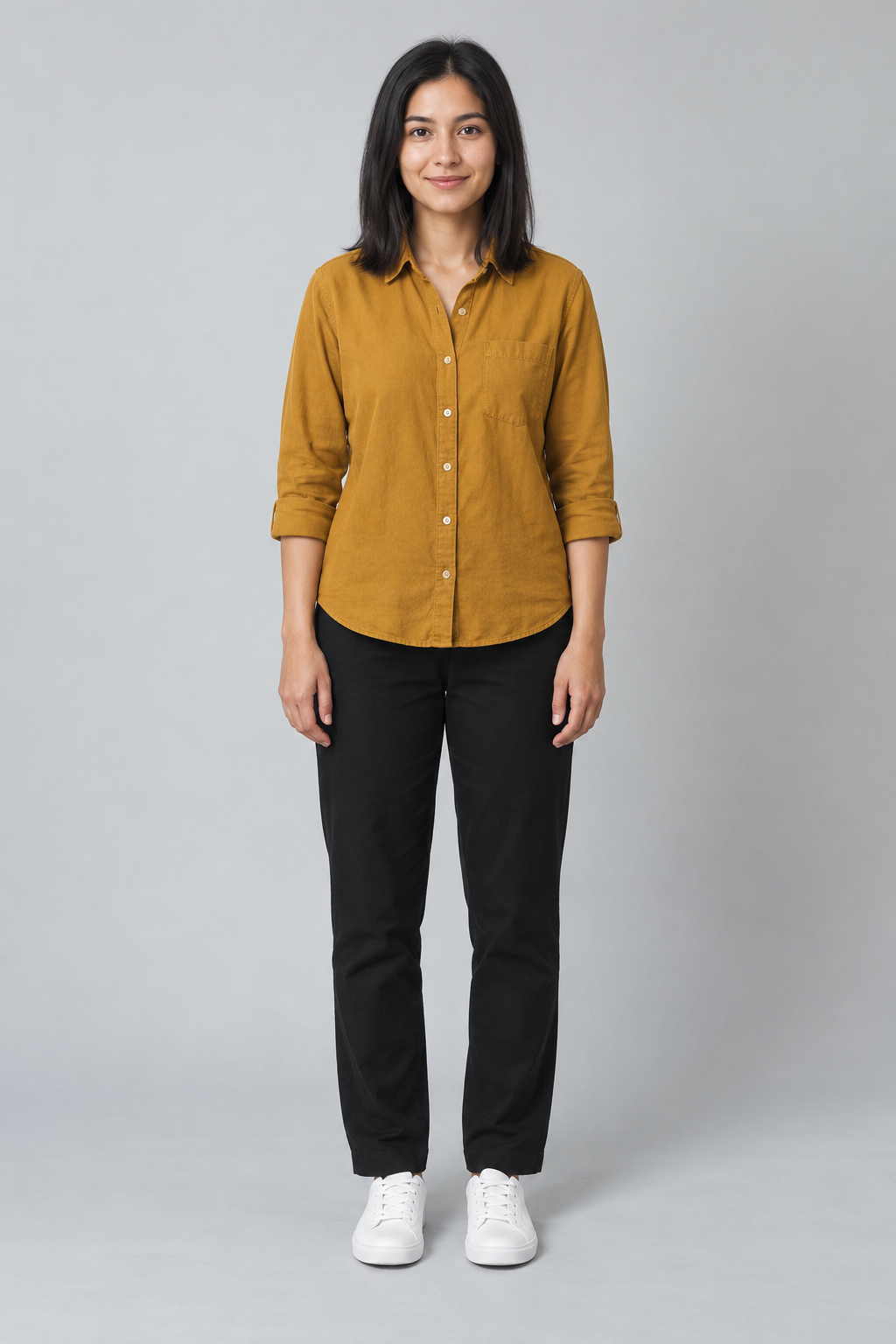
AI can change faces, clothing and reactions between shots. Watch this full example before buying; exact likeness and matching outfits are not guaranteed.
Which Tip Toe meme template fits your idea?
For a joke about sneaking out of a meeting, a caption can set the scene. To put yourself in that scene, choose photo generation.
| What matters | Caption template | Photo-based video |
|---|---|---|
| What changes | The words accompanying the existing clip | The people in a newly generated scene |
| What to bring | Your caption idea | Dancer photo; optional observer photo |
| What to check | Text size, placement, and readability | Likeness, movement, and clothing across the whole clip |
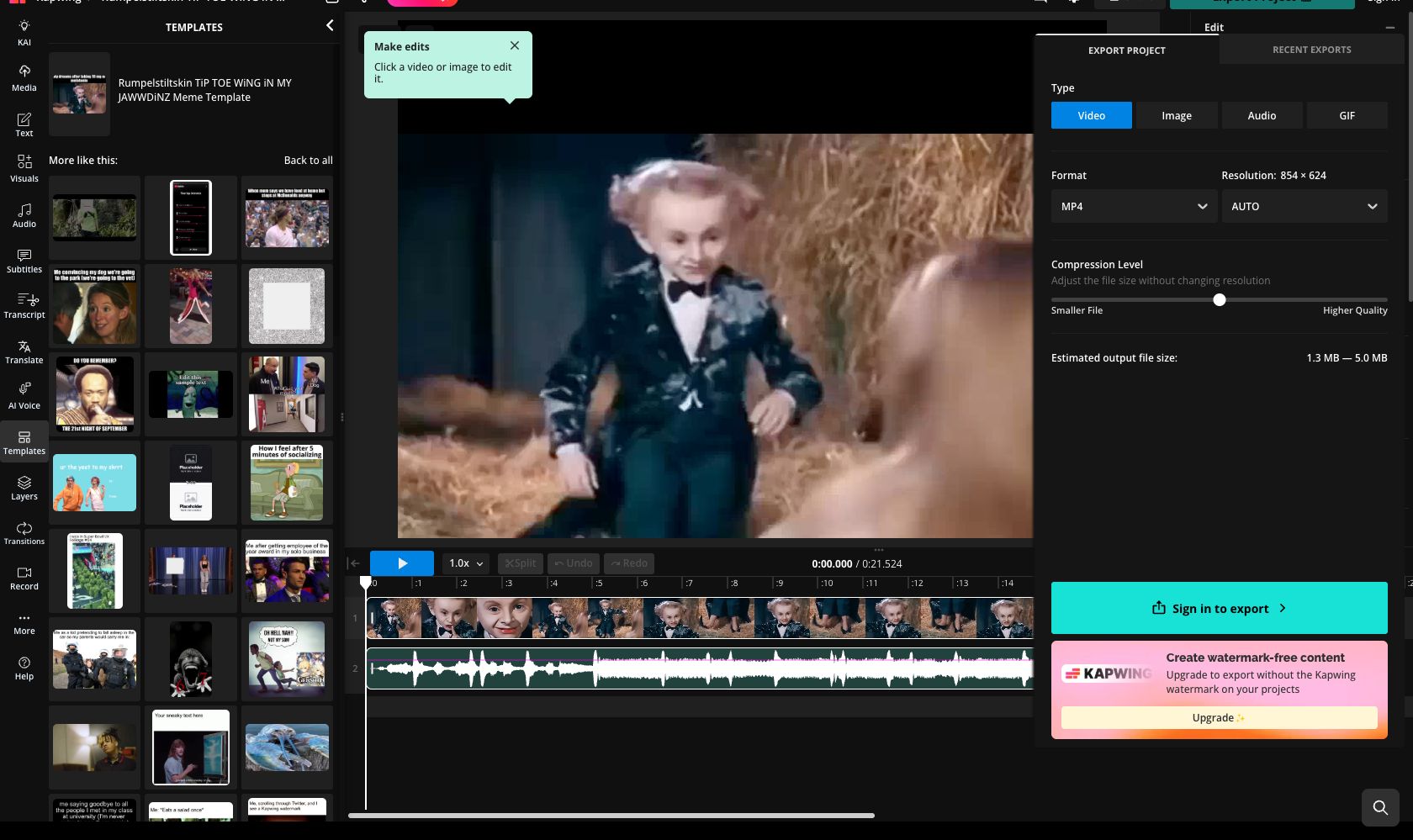
| Cost | Kapwing, checked October 22, 2026: sign-in to export; upgrade to remove the watermark. Free export is unconfirmed. | $9.90 per video · Payment before generation |
Using the caption template
Kapwing describes this Rumpelstiltskin template as a way to edit the text above the clip. Start with a situation your friends will recognise, then keep the caption short enough to read during the dance.
- Write a short caption about the moment you want to share.
- Open the template’s editing option to add your text above the clip. Keep it clear of the faces.
- Play the clip to check the text, then review Kapwing’s export and watermark options before downloading.
Source: Kapwing’s public template description
Kapwing export and watermark options
On October 22, 2026, the editor opened without sign-in; its export panel asked for sign-in and an upgrade to remove the watermark. We have not verified caption editing or a completed export.
Prepare photos for the roles you want
Choose clear photos of adults with visible faces. Get each person’s permission and make sure you have the right to use the photos. JPEG, PNG and WebP files up to 10 MB each are supported.
Ready to use your own photos?
- Choose your dancer photo. Add an observer photo if you want to choose the person watching too.
- Confirm photo permission, sign in, and review the price before paying. Generation starts after payment.
- When your video is ready, download it and share your version of the dance.
Questions before choosing a template
Will changing the caption put my face in the video?
A caption changes the words and keeps the existing characters. Choose photo generation if you want to make a dance video using your own photo.
Can I download the caption template for free?
Free export from the linked Kapwing template was not verified in our October 22, 2026 check. Its export panel asked for sign-in and an upgrade to remove the watermark. Check the options before editing.
Do I need a green screen clip or CapCut project?
You can start with the linked Kapwing template or your own photos in Tip Toe AI. Neither method here needs a green screen clip or CapCut project.